 RAF Film Lab
Your RAFs, in the camera's own film looks.
RAF Film Lab develops Fujifilm RAW files in all 20 film simulations, from Provia to Classic Chrome to Acros, measured against the camera's own rendering of the same files. Then edit them the way you would in any pro photo editor.
Opens each photo in the simulation it was shot with. No account, no ads, no tracking.
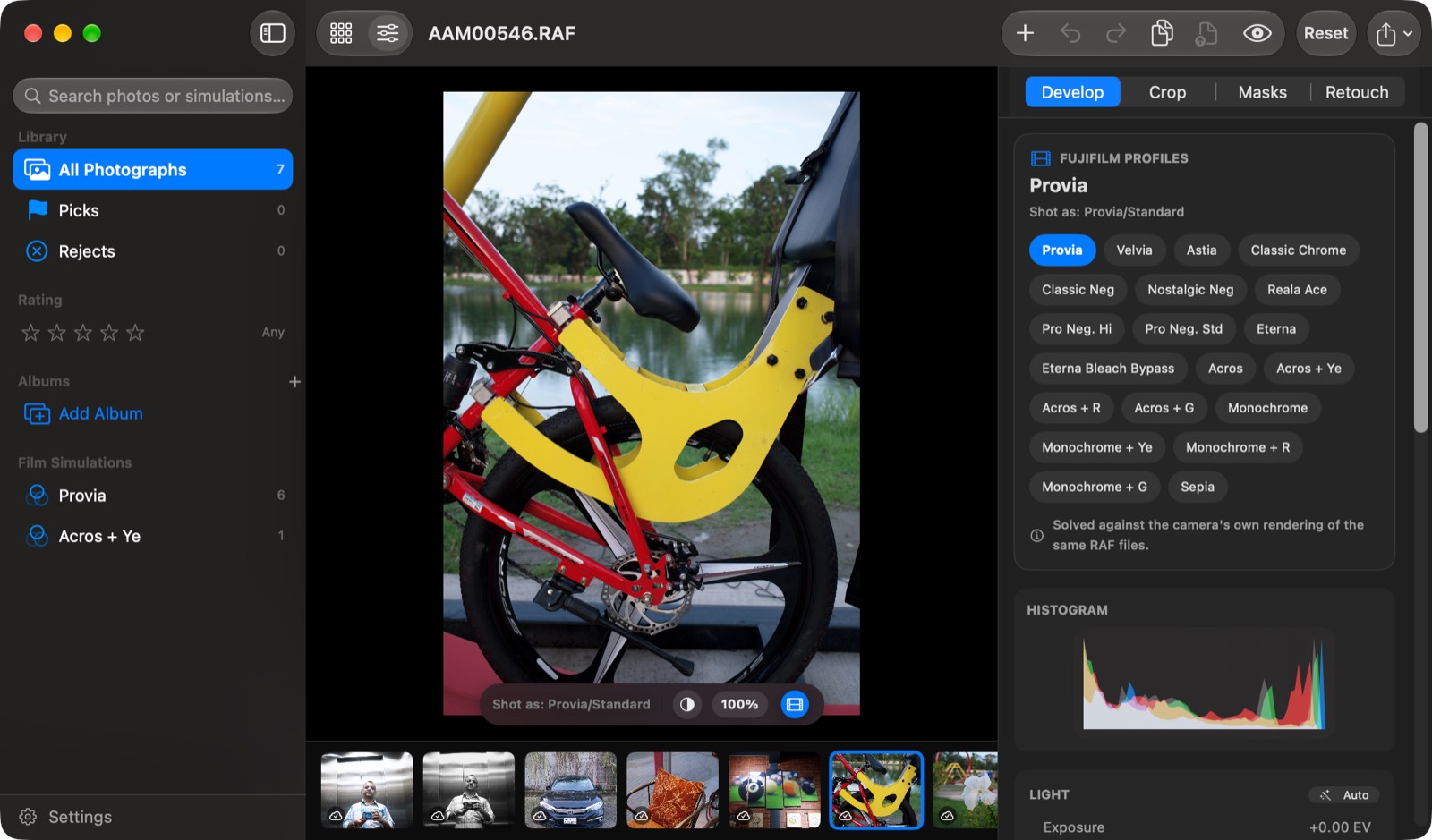
Every film simulation
Provia, Velvia, Astia, Classic Chrome, Classic Neg, Nostalgic Neg, Reala Ace, Pro Neg, Eterna, Bleach Bypass, Acros, Monochrome and Sepia, with their filters.
Measured, not guessed
Each film is solved from RAF files against the camera's own renders of those files, and scored by how far it lands from them.
A real editor on top
Light, colour, curves, HSL, colour grading, masks with subject and sky selection, heal and clone, crop, and copy-paste between photos.
The films
One RAW. Twenty looks.
Each RAF remembers the simulation it was shot with, and RAF Film Lab opens it in that one. Change your mind later and every other film is a click away. Pick a film to see this frame developed in it.
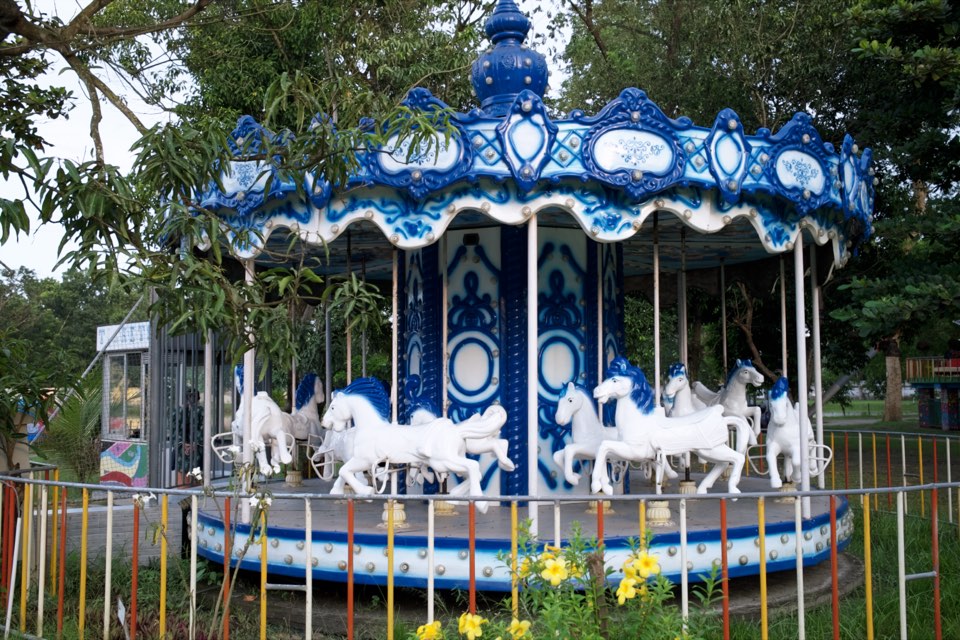 Provia
Colour
Acros
Monochrome
Every image here is RAF Film Lab's own render of one X100VI RAW file, with grain off.
Fidelity
Side by side with the camera
We took 31 X100VI RAW files, had Fujifilm's X RAW STUDIO render each one in every simulation, and solved our films to match them. Drag across the photo: the left side is the camera's Provia, the right side is ours.
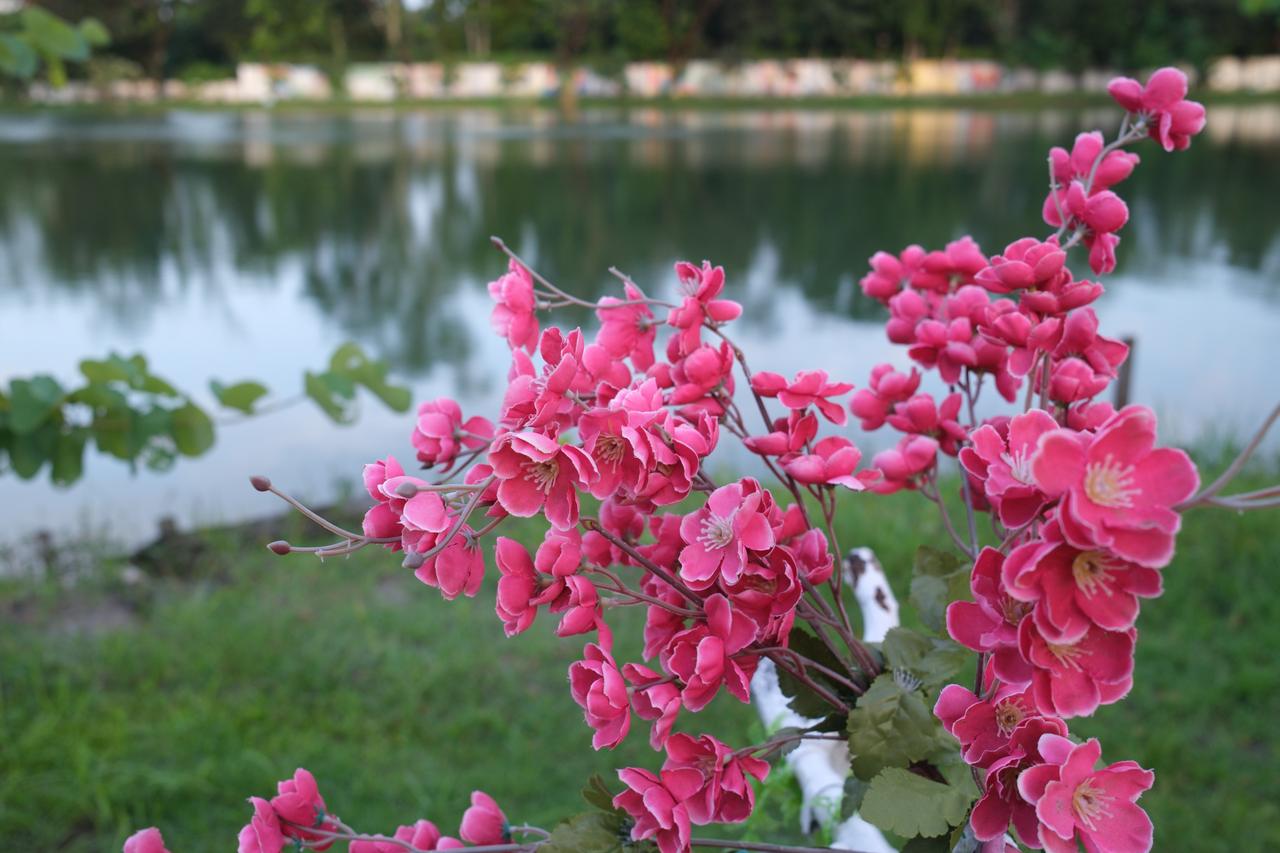
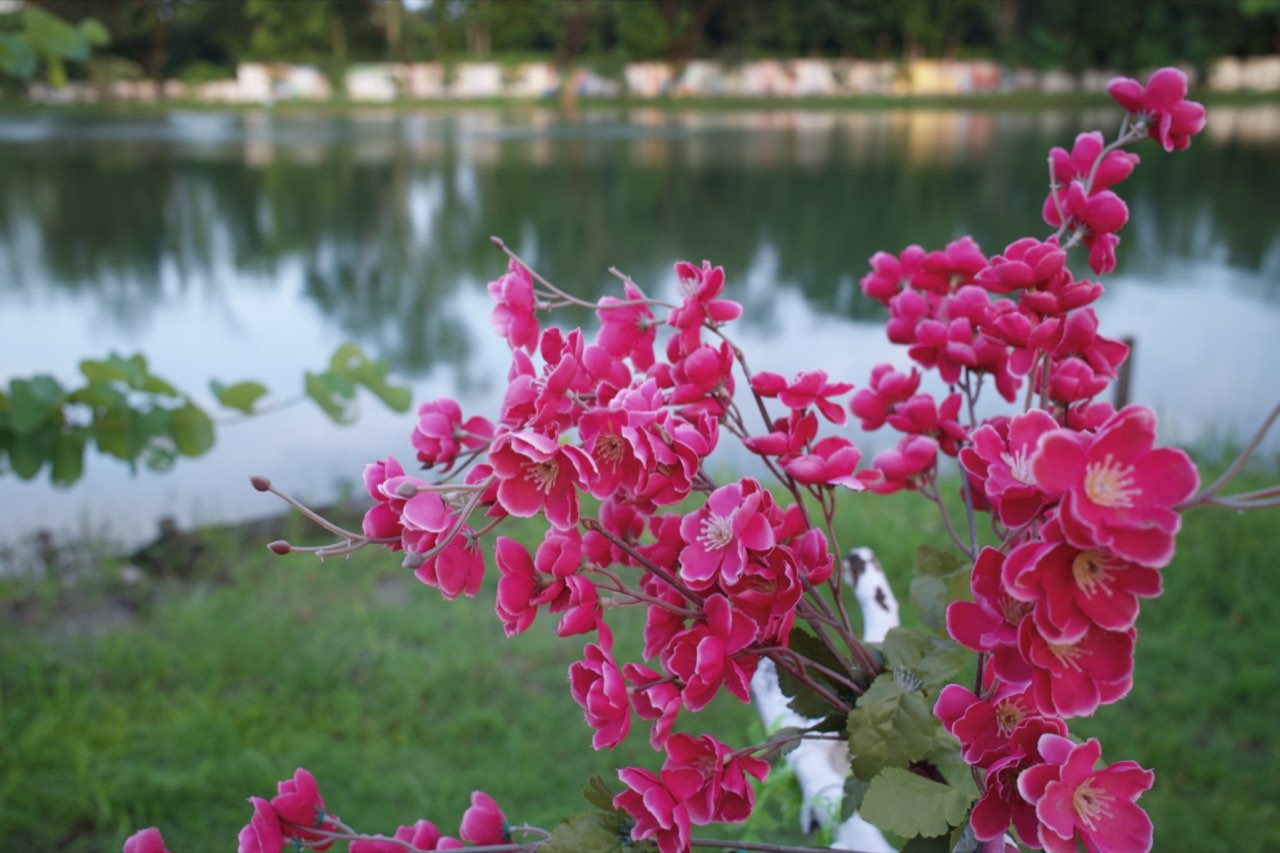 CameraRAF Film Lab
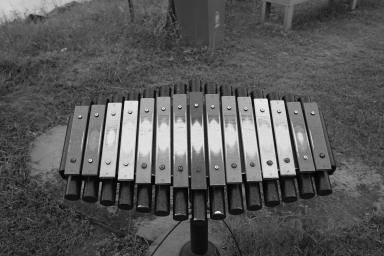
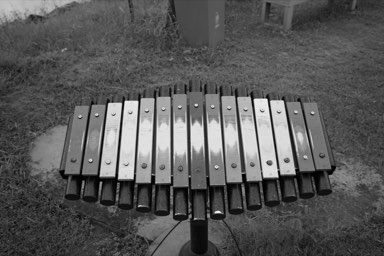
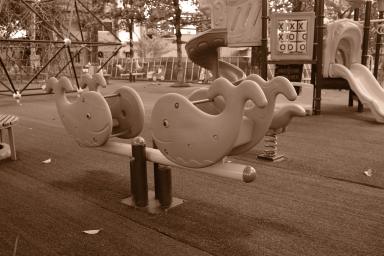
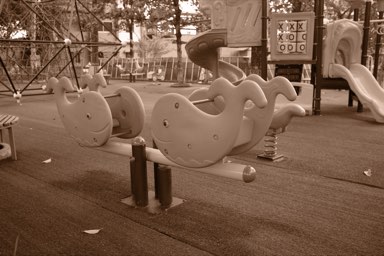
Scored on flat areas of all 31 frames, through the app's own rendering chain, in CIEDE2000. Tuned on the X100VI; other X-Trans cameras' RAFs open and develop too. How we measure →
The editor
Start from the film. Finish the photo.
The film simulation is where a photo starts, not where it stops. Everything below works on top of it, on the full RAW data.
Develop
- Light: exposure, contrast, highlights and shadows, with Auto Tone and a master tone curve.
- Colour: white balance, vibrance and saturation, RGB curves, an eight-band HSL mixer and split-tone colour grading.
- Finish: clarity, dehaze, film grain, bloom and fade.
- Crop and straighten, a live histogram, and a before/after comparison.
Masks and retouching
- Select the subject, the sky, people, faces or the background automatically, on device.
- Linear and radial gradients and a brush for everything else, each with its own exposure, contrast, colour and clarity.
- Heal and clone spots away.
A library that keeps up
- Import RAFs or whole folders. On the Mac, originals stay where they are.
- Rate, flag and group photos into albums, and browse by film simulation.
- Copy and paste an edit onto other photos, with full undo history.
- Export to HEIC or JPEG.
Everywhere
Mac, iPad and iPhone
One app, the same films and the same tools on every screen, with your library kept in step through iCloud.
Mac
A native editor with a library sidebar, keyboard shortcuts for ratings, flags and next/previous, and a Settings window.
iPad
The full editor beside the photo, with the library in a sidebar and a filmstrip underneath.
iPhone
Import from Files or a card reader and edit on the go, with every film and tool.
iCloud sync
Your library, on every device. In your iCloud.
Turn on sync and each photo goes to your own iCloud as the full RAF, together with its edits, rating and flag. Your other devices download it and pick up where you left off. There's no RAF Film Lab server and no account.
- Full RAW files, not previews, so every device edits the original
- Edits follow the photo: change it on the iPad, see it on the Mac
- Delete a photo once and it's gone everywhere
- Off by default, and it only ever uses your iCloud storage
Try the beta on TestFlight
RAF Film Lab is coming to the App Store. Leave your email and Apple will send you a TestFlight invite for Mac, iPad and iPhone.
RAF Film Lab runs on macOS 26, iPadOS 26 and iOS 26 or later. Your email is only shared with Apple for TestFlight.